




Hot Games








Live Cards










Popular Games











New Launch








Why Fairplay App Feels Convenient
The Fairplay App can feel convenient because it keeps key account sections close at hand. A user can open the account, check sports events, review casino games, follow live markets, view bonuses and manage payments from a phone.
For Indian users, mobile access matters most during cricket, football and live betting sessions. A desktop screen is not always available, but a phone can quickly show odds, bet history, balance and promotion status.
| App area | What users can do | Why it matters |
| Account access | Log in and review profile details | Saves time on mobile |
| Sports betting | Check events, odds and bet slip | Useful during cricket and live events |
| Casino games | Open slots, live casino and tables | Keeps entertainment in one place |
| Payments | Deposit, withdraw and track status | Helps users control money movement |
| Bonuses | Review offers and wagering status | Reduces missed terms |
| Notifications | Receive account or event alerts | Keeps users updated |
The Fairplay App is not only about speed. It is also about control. Fast access should help users check information, not push them into rushed bets.
India’s real money gaming environment is strict and changing. Recent reporting says India’s online gaming framework focuses on user safety, age safeguards, financial flows and tighter handling of real money games. Users should check current rules and platform terms before using any betting or casino app.
Before You Start
Before starting Fairplay App download, prepare the phone. A weak device, low storage or unstable network can cause failed downloads, Fairplay login errors or app crashes.
Basic preparation includes:
- Use a stable internet connection
- Free up enough storage
- Charge the battery
- Update Android if needed
- Check the current Fairplay source
- Avoid unknown APK links
- Disable risky redirects and popups
- Keep login details private
The device should have enough space for the app file, installation process and app cache. If the phone is almost full, the download may finish but installation can still fail.
Users should also check network quality. A dropped connection can damage the APK file or interrupt the first login. For payment actions, mobile data or a trusted private Wi Fi network is safer than open public Wi Fi.
Fairplay App Download for Android

Fairplay App download for Android may involve an APK file if the app is not installed through a standard app store. The safest approach is to start from the current Fairplay source, choose the Android version and wait for the download to complete fully.
A general Android download flow may look like this:
- Open the current Fairplay source
- Find the app or mobile access page
- Choose the Android option
- Start the APK download
- Wait until the file is fully saved
- Check the file name before opening
- Avoid duplicate files from other sites
- Install only if the source is trusted
Do not download the same app from several random pages. If one file does not work, check the source instead of searching for another APK in comments, forums or private groups.
Research into unwanted Android app distribution found that web downloads are less common than app store installs but can be riskier as a distribution path. This makes source checking important for any Fairplay App download outside a standard store.
Fairplay Installation Steps

After downloading the APK, the user can start installation. Android may ask for permission to install apps from the selected browser or file manager. This permission should be used carefully and only for the chosen source.
Typical installation steps:
- Open the downloaded APK file
- Allow installation from the selected source if required
- Review the app name and permissions
- Confirm the installation
- Wait until setup finishes
- Open the Fairplay App
- Log in with the account details
- Turn off unknown source permission after installation
Turning off unknown source permission after installation is a good habit. It lowers the chance that another file will install later without attention.
| Step | Safer action | Risk to avoid |
| APK download | Use the current Fairplay source | Random APK links |
| File check | Confirm file name and completion | Damaged or partial files |
| Permission | Allow only for the selected source | Broad unknown app access |
| Install | Review permissions first | Accepting every request blindly |
| First launch | Check login screen carefully | Entering data on a fake page |
| After install | Disable unknown source access | Leaving the phone exposed |
Update for Better Performance
Updates matter because apps change over time. A Fairplay App update can improve performance, fix bugs, support payment changes and improve stability in live sections. Older app files can crash, load slowly or fail during login.
Updates may help with:
- Login stability
- Live betting performance
- Payment compatibility
- Bug fixes
- Security patches
- Better notification handling
- Faster casino loading
- New account features
Users should avoid update files from unknown sources. A fake update can look like a normal APK but ask for extra permissions or redirect login details.
Android security research has shown that sideloaded apps can carry higher privacy and security risks when compared with trusted distribution channels, especially when they lack clear safeguards or policies.
Update Without Losing Access
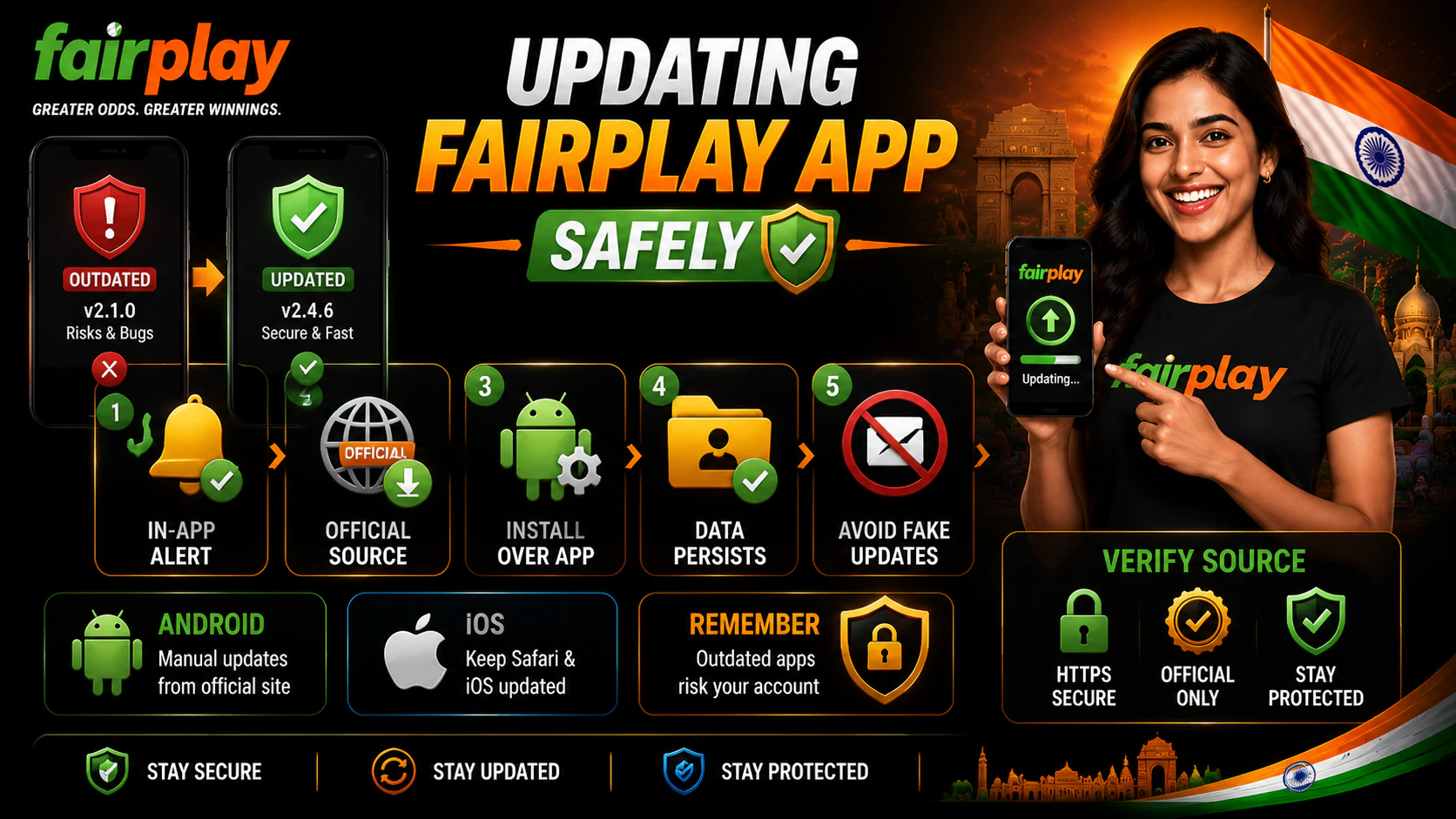
Updating the Fairplay App should not mean losing account access. Usually, account balance and profile data are linked to the user account, not only to the app file. Still, users should handle updates carefully.
A safer update process:
- Check the current Fairplay source
- Download the latest version from the same trusted route
- Install over the existing version if instructed
- Do not delete app data unless necessary
- Open the updated app
- Log in with the same account
- Check balance and profile
- Review payment and bonus sections
If the app asks users to uninstall the older version first, they should confirm that they know their login details and recovery access. Deleting the app without knowing the password can create account recovery problems.
Fairplay Betting App for Sports Events
The Fairplay betting app can help users follow sports events from a phone. Indian users often focus on cricket, but football, tennis, kabaddi, basketball and esports can also be relevant depending on the current sports line.
The app may allow users to select a match, choose a market, compare odds, enter a stake and review the bet slip before confirmation. Bet history can help users review past decisions and keep better control of betting activity.
Sports sections users may check:
- Cricket matches
- Football fixtures
- Tennis tournaments
- Kabaddi events
- Basketball games
- Esports markets
- Prematch odds
- Live betting events
Live betting needs extra care. Odds can change after wickets, goals, injuries, breaks or market suspension. A user should always check the final bet slip before confirming.
Payment Access Inside the App
Payment access inside the Fairplay App may allow users to deposit, withdraw, review limits and track transaction status. This is convenient, but it also means login safety and device security are important.
Users should check payment details before every transaction. A wrong method, bonus restriction or incomplete verification can delay cashout.
| Payment area | What to check | Why it matters |
| Deposit | Minimum amount and fees | Avoid failed payments |
| Withdrawal | Limits and processing rules | Helps plan cashout |
| KYC | Identity or payment checks | Can affect withdrawal timing |
| Bonus status | Active wagering or restrictions | May block withdrawal |
| Transaction history | Completed and pending payments | Helps track account activity |
| Support | Payment help channel | Useful if a transaction is delayed |
Users should never share OTP, banking PIN, UPI PIN or card details with another person. Payment actions should be done only inside the account cashier or verified payment flow.
Permissions to Review
App permissions should match the function of the app. A betting and casino app may need network access, notifications and limited storage access. It should not ask for unrelated sensitive permissions without a clear reason.
Permissions to review include:
- Notifications
- Network access
- Storage access
- Camera access
- Location access
- Contacts access
- SMS access
- Accessibility services
Notifications can be useful for login alerts, market updates or payment status. They can also encourage too much activity. Users who want stronger control can turn off promotional notifications and keep only account security alerts.
Permission research has shown that users often accept app permissions without enough review, which makes runtime permission checks important during installation and updates.
Mobile Safety Checklist
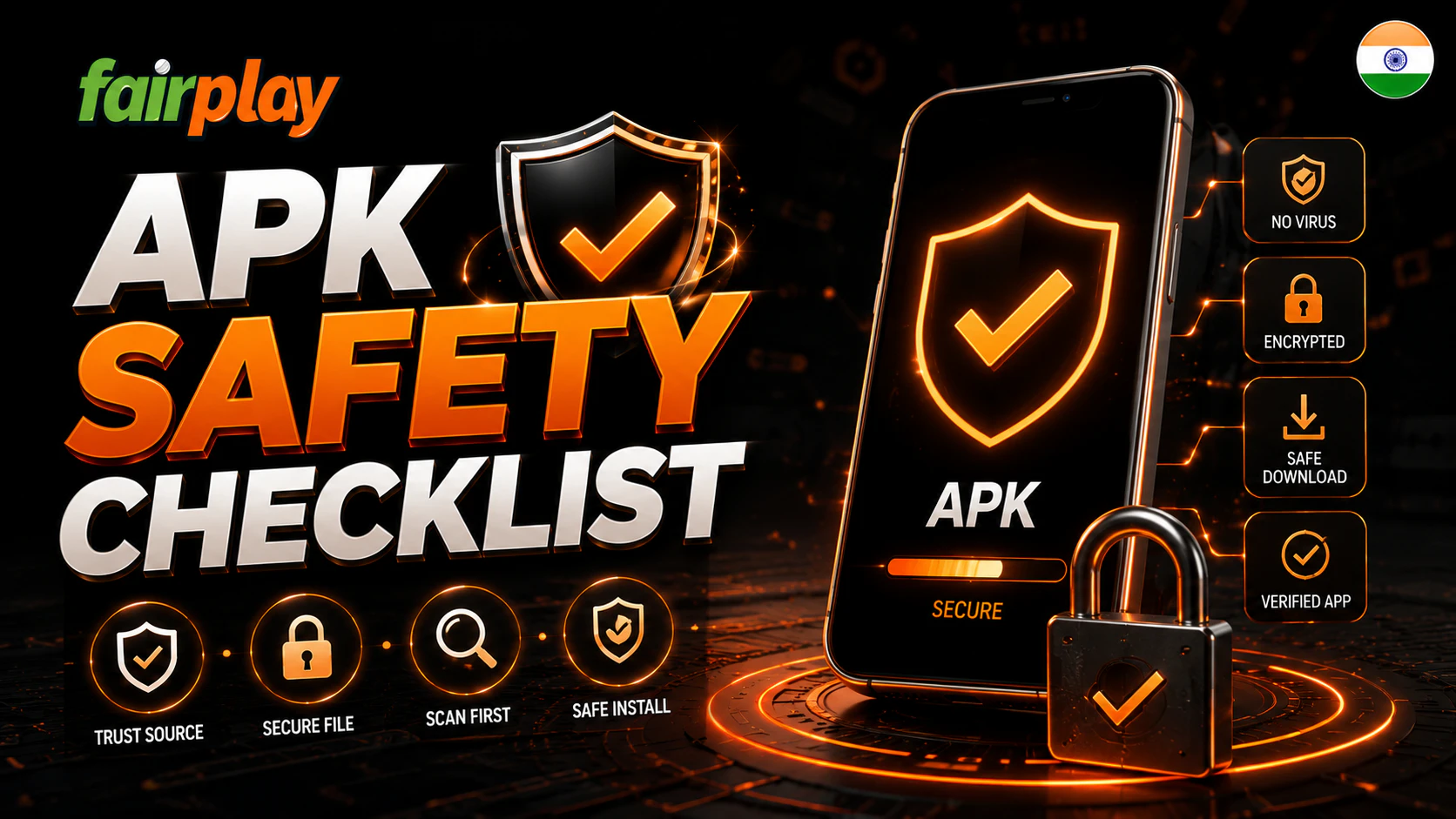
Mobile safety is essential because the phone may hold login details, OTP codes, payment apps and personal data. A careless install can expose more than the Fairplay account.
Use this checklist before regular mobile use:
- Use the current Fairplay source
- Check domain spelling
- Avoid unknown APK files
- Use a strong password
- Enable 2FA if available
- Keep OTP private
- Update the app safely
- Avoid public Wi Fi for payments
- Lock the phone screen
- Log out on shared devices
Google Play Protect and similar security tools can help detect harmful apps, but users should not rely on them alone. The safer habit is to avoid risky files before they reach the phone.
Common Fairplay App Problems
Fairplay App problems can happen during download, installation, login, update or payment use. Not every issue means the app is unsafe. Some problems come from low storage, old Android versions, weak internet or corrupted files.
Common issues include:
| Problem | Possible cause | Practical check |
| APK will not open | Damaged download | Download again from verified source |
| Installation blocked | Unknown source permission disabled | Allow only for chosen source |
| App crashes | Old phone or outdated OS | Update system or use mobile web |
| Login fails | Wrong password or weak network | Check details and reset if needed |
| Payment page fails | Network or cashier issue | Retry later and check status |
| Update fails | Wrong file or storage problem | Free space and verify source |
If a problem repeats, users should avoid trying random files. It is safer to use the mobile website or contact support through a verified account channel.
Responsible Play
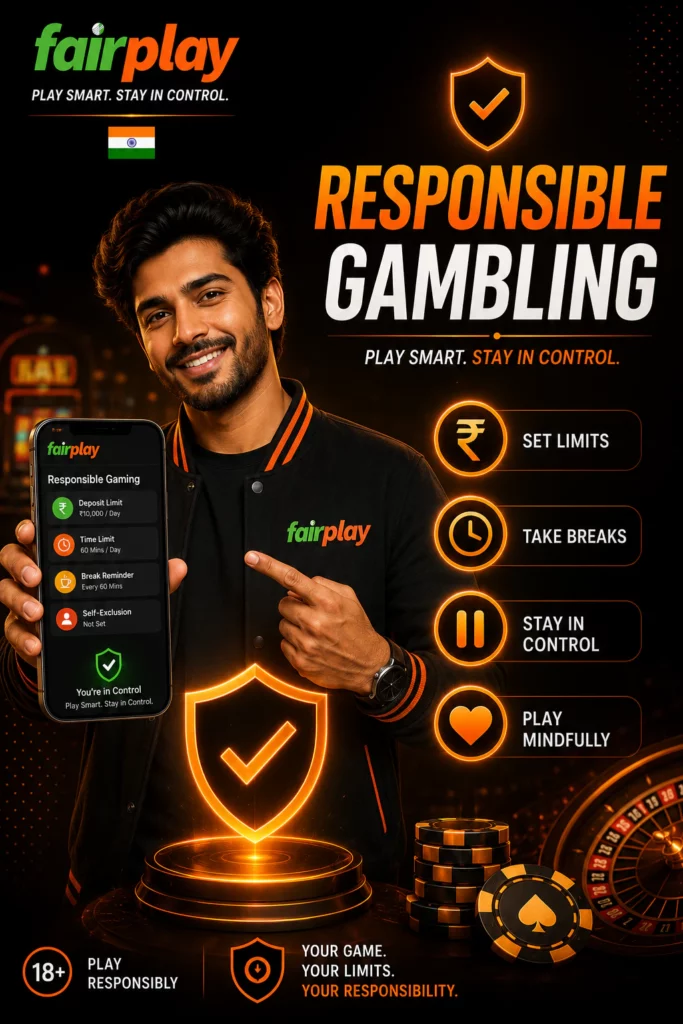
The Fairplay App makes betting and casino access faster. That convenience can become risky if users check live markets too often or make decisions while emotional. Mobile play should stay controlled.
Responsible play habits include:
- Set a daily budget
- Use session reminders
- Avoid betting while stressed
- Do not chase losses
- Take breaks during live betting
- Turn off unnecessary promo alerts
- Keep payments separate from bills
- Ask about self exclusion if control feels weak
Users should treat fairplay as entertainment, not income. If betting affects sleep, work, study, family time or finances, it is time to stop and seek support.