


Information Collected Automatically

When a user opens the website, some technical information may be collected automatically. This happens through normal browser activity, hosting systems, cookies, analytics tools and basic security checks. The purpose is to keep the website stable, understand how visitors use pages and improve content structure.
Automatically collected data may include browser type, device type, operating system, language setting, pages visited, time spent on pages, referring page and approximate location signals based on technical parameters. This information is usually processed in aggregated or technical form. It is not used to identify a Fairplay account or access private platform data.
Common automatic data may include:
- Browser name and version.
- Device type, such as mobile, tablet or desktop.
- Operating system.
- Language preference.
- Pages opened on the website.
- Approximate visit duration.
- Referring page or search source.
- Technical IP related signals used for security.
| Data category | Example | Why it may be used |
| Browser data | Chrome, Safari or Firefox | To check page display and compatibility |
| Device type | Android phone, iPhone or desktop | To improve mobile and desktop layout |
| Language setting | English or regional setting | To improve content presentation |
| Page activity | Article views and reading time | To understand which pages need updates |
| Referrer data | Search engine or linked website | To see how visitors find the resource |
| Security signals | Unusual request patterns | To reduce spam and abuse |
This data does not allow the website to approve deposits, check withdrawals, restore access or change any Fairplay account setting.
Information Users Submit Voluntarily
Users may choose to send information through a contact form or editorial request. This can include a name, email address, message text, page link or content correction details. Such information is submitted voluntarily by the user.
The website uses voluntary information only to answer the request, check the reported issue, improve published content or prevent abuse of contact forms. For example, if a reader reports that a guide contains an outdated menu name, the editorial team may use the message to review and update that section.
Useful contact messages usually include:
- The page link from this website.
- The heading or section with the issue.
- A short explanation of the problem.
- A suggested correction, if available.
- A screenshot with private details removed.
- An email address for reply, if the user wants a response.
The website does not need Fairplay login details to answer editorial questions. A reader should keep contact messages limited to the website content issue.
| Submitted item | How it may be used | What should be avoided |
| Name | To address the reply | Full identity document name if not needed |
| To respond to the request | Login password or OTP in the email body | |
| Message text | To understand the question | Account credentials or payment data |
| Page link | To locate the content issue | Links to private account pages |
| Screenshot | To check a visual mismatch | Balance, card number or document photo |
Sensitive Data Restrictions
This website does not ask for sensitive account, payment or identity information. Users should not include such details in contact forms, correction messages or screenshots.
Do not send:
- Fairplay passwords.
- OTP codes or one time login codes.
- Payment card numbers.
- Bank account details.
- UPI details or private payment credentials.
- Identity documents.
- Photos of Aadhaar, PAN, passport or other documents.
- Fairplay account credentials.
- Private financial information.
- Wallet recovery phrases or seed words.
If a user sends sensitive data by mistake, the website may delete it where technically possible. The editorial team does not need that information to review a page, correct wording or answer a website question.
| Sensitive data type | Why it should not be sent | Safer action |
| Password or OTP | It can expose account access | Never include it in any message |
| Card or bank data | It can expose financial information | Contact the relevant platform support |
| Identity documents | They are not needed for editorial review | Use only verified platform channels |
| Account screenshots | They may show private records | Crop or blur sensitive fields |
| Wallet recovery data | It can lead to loss of funds | Never share it anywhere |
Readers in India should be especially careful when sending screenshots from mobile devices. Small screen captures often include balance, phone number, email address or payment details without the user noticing.
Cookie Controls
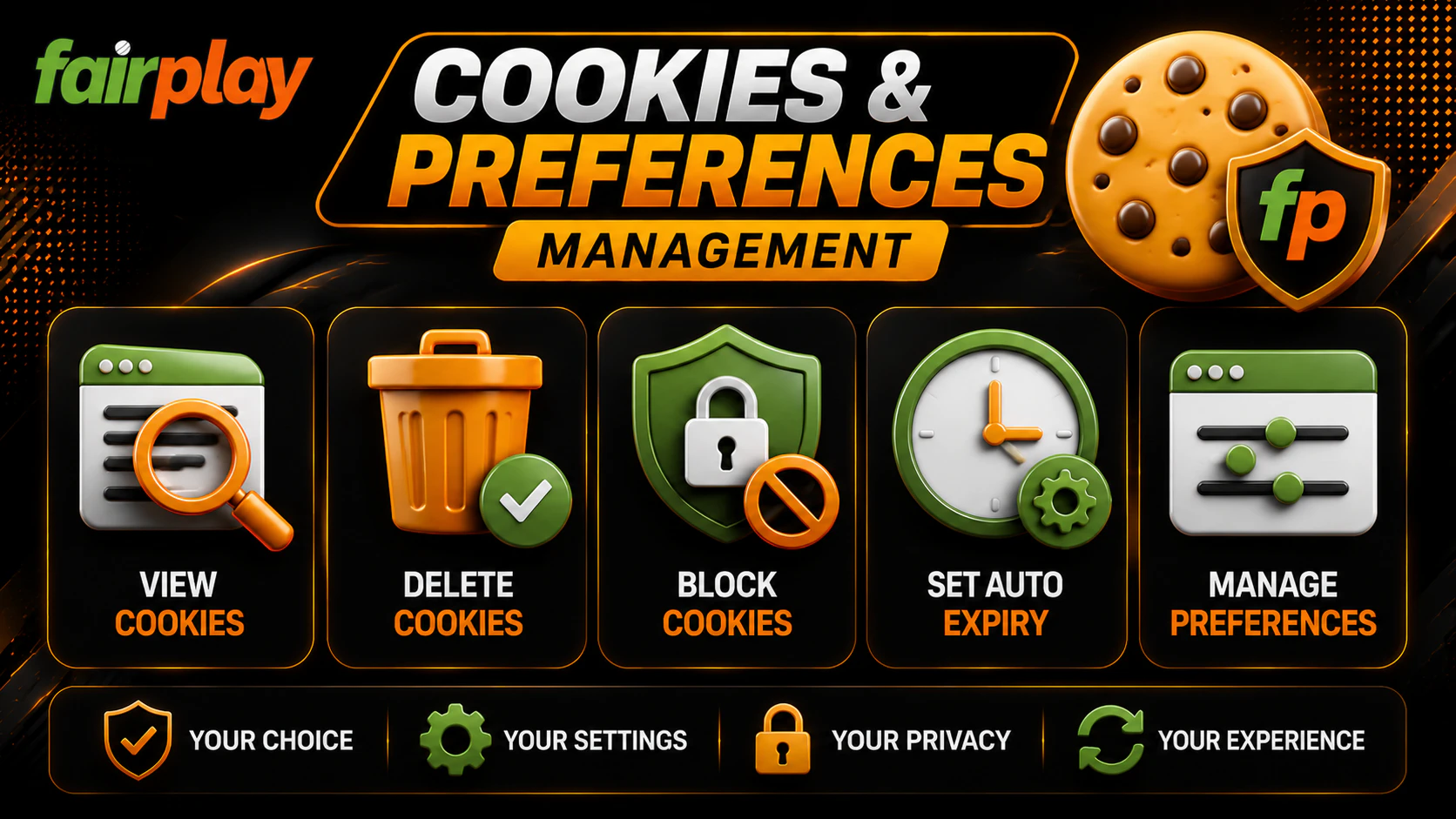
Cookies are small browser files that help a website remember basic preferences and understand how pages perform. This website may use cookies to support language preferences, layout choices, analytics, security and form protection.
Cookies can help improve the reading experience. For example, they may remember a selected language or help the editorial team see which guides are opened most often. They may also help detect automated spam activity.
Users can control cookies through browser settings. A user may delete cookies, block them or set the browser to ask before storing them. If cookies are blocked, some functions may work in a limited way. Language preference, display settings or session based choices may not be saved.
Cookie control options include:
- Delete cookies after visiting the website.
- Block third party cookies through browser settings.
- Use private browsing for short visits.
- Clear site data from mobile browser settings.
- Review cookie settings regularly.
- Use browser privacy tools where available.
| Cookie use | Benefit | What happens if blocked |
| Preference cookies | Save language or display choices | Settings may reset |
| Analytics cookies | Help improve page structure | Traffic reports become less accurate |
| Security cookies | Reduce spam or abuse | Some forms may need extra checks |
| Session cookies | Support normal browsing behavior | Some page functions may reset |
The user can decide how much cookie storage feels acceptable. The website should remain readable even if some preference features are limited.
How We Protect Information
The website uses reasonable technical and organizational measures to protect the limited information it processes. These measures may include HTTPS access, restricted access to contact messages, technical access control, spam filtering and minimization of collected data.
Data minimization means that the website tries to collect only what is needed for site operation, analytics, security and editorial communication. The website does not need account credentials, payment details or identity files for its normal work.
Protection measures may include:
- HTTPS connection where supported.
- Limited access to contact form messages.
- Spam and bot protection.
- Review of data collection needs.
- Removal of unnecessary sensitive details where possible.
- Technical monitoring for unusual activity.
- Basic controls for website administration access.
| Protection measure | Purpose |
| HTTPS | Helps protect data during transmission |
| Limited access | Reduces unnecessary handling of messages |
| Data minimization | Keeps collection focused on required information |
| Spam filtering | Protects forms from abuse |
| Security monitoring | Helps detect unusual activity |
| Content review | Reduces unnecessary personal data in messages |
No internet transmission can be guaranteed to be completely secure. Users should avoid sending sensitive information through any general website form. If information can open an account, move money or prove identity, it should not be sent through this website.
Data Use for Content Improvement
The website may use aggregated reading signals to improve content. For example, if many readers leave a page quickly, the editorial team may review whether the article is unclear. If users often open a certain topic, the website may improve that guide with better structure, examples or tables.
This use is editorial and technical. It does not mean the website profiles users for gambling activity. It does not allow the website to view Fairplay account behavior.
Content improvement may include:
- Rewriting unclear sections.
- Updating page headings.
- Adding safer use reminders.
- Fixing broken links.
- Improving mobile layout.
- Expanding common questions.
- Removing outdated wording.
Privacy Requests
Users may contact the website about privacy questions connected with their messages or submitted data. A request may ask for deletion, correction or clarification where this is technically and legally possible.
A useful privacy request should include only the details needed to locate the message. This can be the email address used, the approximate date of contact and the page related to the request. Do not attach documents unless a lawful and secure process clearly requires it.
The website may keep some limited records if needed for security, legal compliance, abuse prevention or technical operation.
Final Privacy Reminder
This website collects limited technical and voluntary information to operate, protect and improve the resource. It does not manage Fairplay accounts and does not need private platform data. Users should keep passwords, OTP codes, payment details and identity documents away from website forms. Privacy depends on both sides: the website should minimize collection, and users should avoid sharing sensitive data where it is not needed.